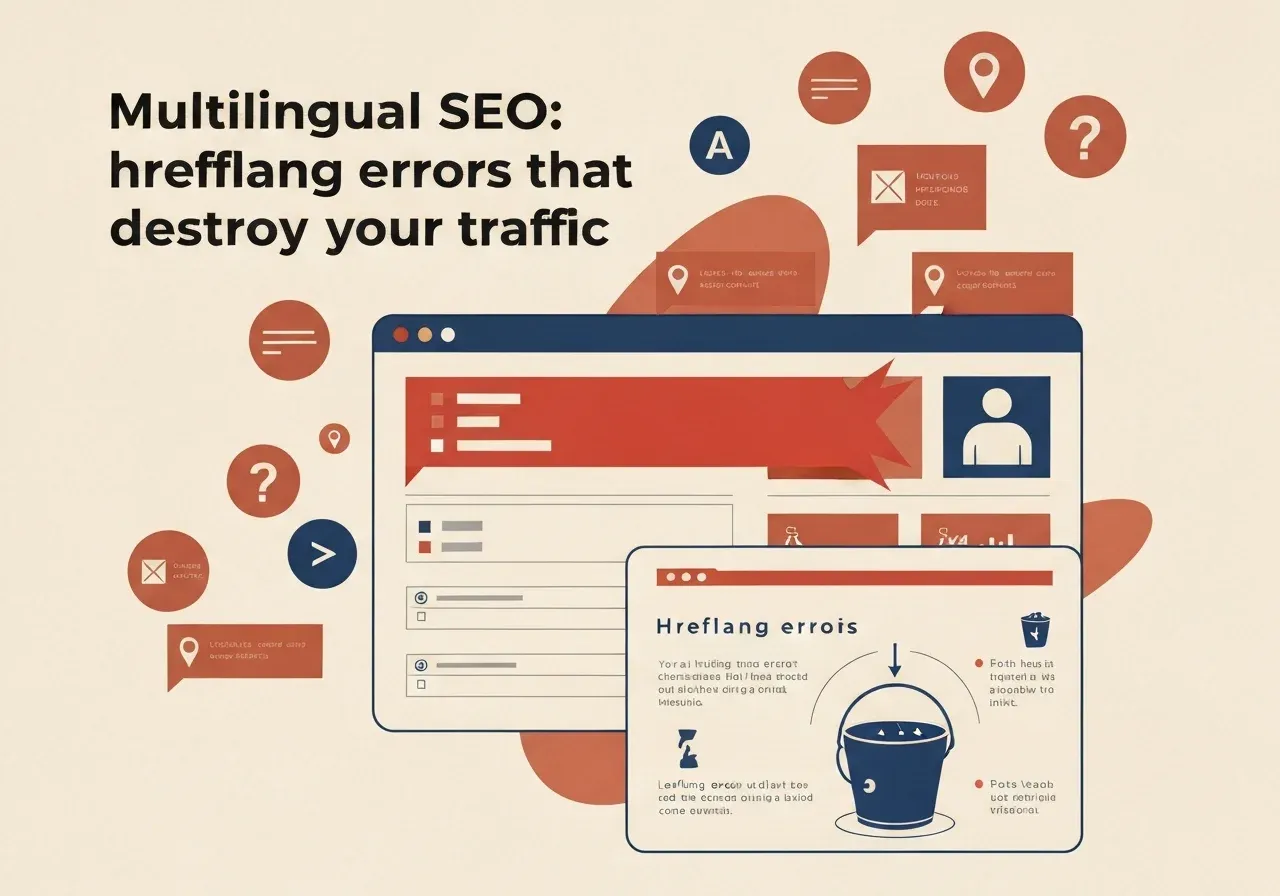
If your site has Latvian and English versions (or any other mix) but Google shows the wrong language or only one of them, the cause is most often the hreflang annotations. They are simple but very sensitive to detail: one missing return link is enough for Google to ignore the whole set.
What hreflang does and does not do
Hreflang tells a search engine: “this page has an equivalent in another language or region, here is the address”. It helps Google show the user the right language version. It does not raise rankings by itself and does not replace translated content.
If the set is broken, the annotations are ignored and the search engine chooses the version itself. The rules below follow Google Search Central on localised versions.
Mistake 1: no return links
The most common. The Latvian page points to the English page, but the English page does not answer. Google’s documentation says that if two pages do not point to each other, the annotations will be ignored. Each language version needs the full list of all versions: with three languages, every page needs three entries, not two.
Mistake 2: the page does not point to itself
Every page’s list must also contain an entry for the page itself. It seems redundant, but that is the specified procedure. If your CMS generates only “other languages”, check that the self-referencing row is added.
Mistake 3: invalid language and region codes
Google supports only ISO 639-1 language codes and ISO 3166-1 Alpha 2 region codes. Two typical errors:
- a region without a language is invalid: a country code cannot stand alone, use “lv” or “en-gb”;
- “en-UK” does not work, because “UK” is not a valid region code; use “GB” for Britain.
If the site is not split by region, the language alone is enough: lv, en. Add a region only when content really differs for a market (for example prices or delivery for Sweden and Latvia).
Mistake 4: relative URLs
Alternate URLs must be full, with the protocol: https://example.lv/en/page/, not /en/page/. Relative paths and addresses without a protocol are invalid. This usually happens when a template writes relative links everywhere.
Mistake 5: canonical points to another language
Each language version needs its own canonical URL in the same language. If the English page names the Latvian page as canonical, you are telling Google the English version is not a separate page. Language versions are linked with rel="alternate" and hreflang, not with canonical. Hreflang sets should use https addresses (Google Search Central: consolidate duplicate URLs).
Mistake 6: only the menu is translated
A page with an English menu but Latvian main content is not an English version. Google says translated versions are not treated as duplicates, but a page whose main content stayed untranslated is the problem. Our advice: if a version is not ready, do not publish it, rather than publishing a half translation with hreflang.
How to check your site
- View the page source of any page and find
hreflang. The number of entries must equal the number of languages. - Open each listed URL and check it returns 200, not a redirect or 404.
- Check that every listed page links back to the first.
- In Search Console’s URL inspection, see which URL Google picked as canonical.
- Compare clicks per language version in Search Console performance; if a version gets almost no visits, look for the cause there.
For larger sites (a few hundred pages and up) use a crawler that extracts all hreflang entries into a table. By hand you can still find a systematic template error, which is usually one mistake repeated on every page.
How we handle it
Hreflang should be generated automatically from one content structure: each entry has a field linking its translations, and the template builds the full set with return links, self-reference and full https URLs. Then the mistake cannot be introduced by hand. When you rebuild a site, language URLs must be in the redirect map; see redesign without losing SEO. For Latvian-language search specifics see SEO in Latvian.
Decision rule
- A page has a translated equivalent: add the full set, all versions, itself and return links.
- A version is half translated or empty: do not publish it with hreflang.
- Unsure whether the error is in the template or single pages: check five different pages; if it repeats, fix the template.
If your site or online shop has several languages and traffic does not match expectations, describe the situation. As a web development studio we will check your URLs and sets and tell you what to fix. Discuss your project.