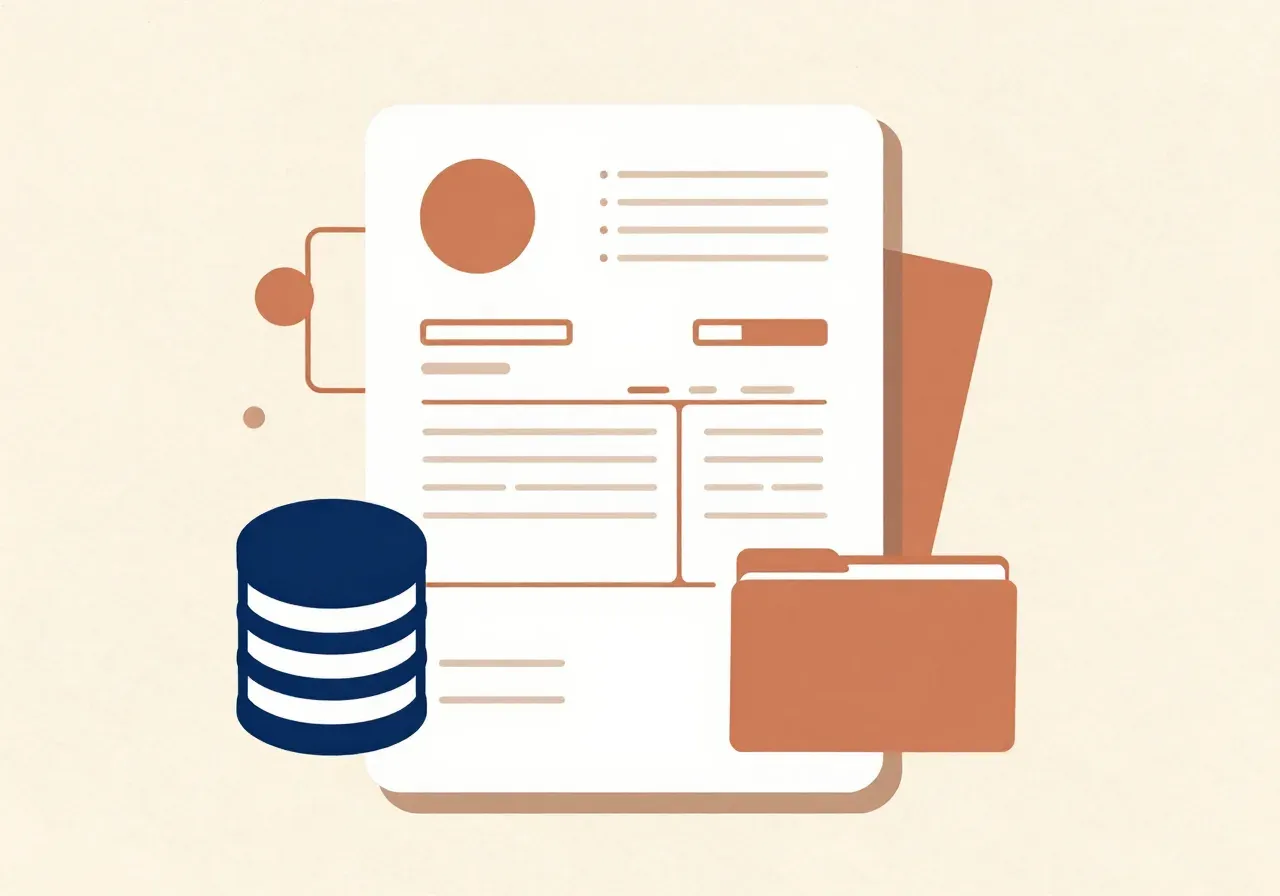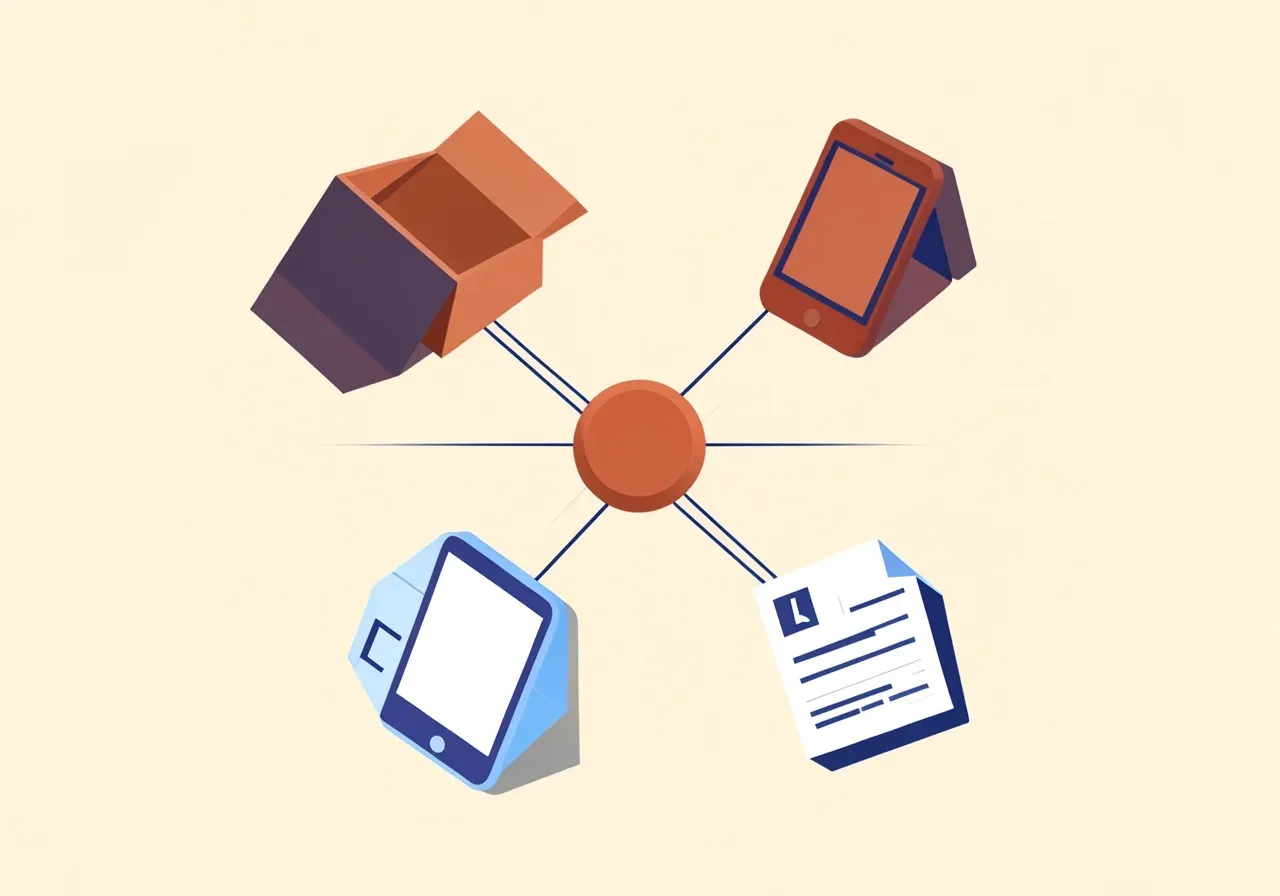
Most companies run client work from six places: mail in one app, support questions in another, files in a shared folder, team chat in a messenger group, hours in a timer app, invoices in accounting software. Each works. Together they do not connect. We build a set of products where FDesk is the hub and the others are wired to it. This article covers what is in the set, how the parts work together, and what your website visitor gets.
FDesk: the hub
FDesk started as a ticketing system: a client email becomes a ticket with an owner, a deadline and a history. AI sorts incoming mail, detects language and category, and drafts a reply. A person checks it and sends it. We describe the approach in our article on email triage.
We use it ourselves: all support for our products and projects goes through FDesk, and emails and enquiries from our sites land in one place.
FDesk is also a configurable CRM and the point where mail, support and other channels meet. Contacts, companies and conversation history sit on one card instead of three systems.
Data stays in your own Cloudflare account (Workers, D1, R2), so it is yours and in the region you chose.
FBox: files without email attachments
FBox shares files. Shared spaces, links with a password, expiry date and download limit, file requests for clients, versions, a trash bin and an event log. Files live in external S3-type storage connected for your company.
Staff sign in with their FDesk account and clients with a one-time email link, so a ticket carries a link, not a large attachment.
F-Messenger: company messaging on the phone
F-Messenger is a mobile app for your staff: one-to-one chats and groups, files, typing and online indicators, unread counts and push notifications. It runs on Android, iPhone and iPad and signs in with the FDesk account, so there is no separate user base. File transfer also runs through our system: files are stored on the company’s own S3 storage, the same one FBox works on, not in a messenger provider’s cloud.
The point against a WhatsApp group: work conversations stay in your system, under your access control, not on private phones.
FMetric: time tracking by projects and clients
FMetric tracks time by projects and clients. It runs on your own domain. Its Chrome extension has a timer: it embeds a start button into third-party services and detects idle time, so the timer does not run while nobody is working. An AI assistant is built in.
FMetric integrates with Invoa: tracked time is imported into Invoa and invoices are issued from it. It also integrates with FDesk.
Invoa: invoices in the same place
Invoa issues invoices and UBL e-invoices, receives incoming ones, reads PDFs with OCR and works on top of Maximus. It prepares a VAT return export for the Latvian VID EDS system.
An invoice is part of client work, so the goal is that staff see it on the same card as the conversation and files.
A chat on your website: AI or a live manager
Most clients write when they are on your site. So FDesk offers a widget you embed on the site. The visitor opens the chat and gets an answer at once. An AI assistant starts, answering from your knowledge. When the question is hard, or the visitor asks, a live manager takes over in the same window, and you can switch between the two.
Each chat becomes a ticket in FDesk with its full history. The manager sees what the AI already said and does not ask the client again.
One client, start to end
A visitor asks a question on the site. The AI answers. If a person is needed, a manager steps in. A file goes over through FBox. The hours spent are tracked in FMetric and imported into Invoa, and the invoice is issued from there. In the evening the manager checks a point with a colleague in F-Messenger. All of it sits on one contact.
Who it suits
It suits you if:
- you have many clients and the conversation is scattered across channels;
- you want data to stay in your account;
- you want support inside your own site without paying for several separate subscriptions.
It does not suit you if you have one client a month and a mailbox is enough. You also do not need every product at once: most teams start with FDesk and add the rest as needed.
Your data stays inside the company
Everything that happens in the system stays in the system and is not shared outside. Confidentiality is a core principle: files you send and files that come in stay inside as well. If you need it, we can connect local LLM models, so AI processing runs on your own servers and not in the cloud.
The setup can also be fully closed:
- the S3 storage can sit on your own server instead of Cloudflare;
- the Cloudflare workers can run on your server too;
- the whole system can be sealed inside the company as a local network, with the messenger apps reaching it over your VPN.
This is meant for companies whose files, documents and data must never leave the company or end up in any cloud.
Next step
Tell us how you work with clients today. We will show FDesk, connect the channel you need first, and say which parts are ready to use now.