Before asking what a CRM costs, answer a different question: which process will it run? The price of a custom CRM is not set by the “size” of the system. Six things drive it: how many processes it covers, how many roles with different rights, which systems it connects to, how much data must be migrated, which reports you need, and what happens after launch. We do not name a price here, because without those answers it would be a guess. This article gives the factors and the questions that help you compare quotes.
For a subscription comparison with numbers, see when HubSpot costs more than it is worth. This article is about what sits inside a development estimate.
1. Process scope: one process or the whole company
The biggest factor is how many sales, service or project processes the CRM covers. One enquiry flow with three statuses and a sales pipeline with fifteen statuses, different field sets and automatic actions are very different amounts of work, even if the screens look alike.
Our advice: start with the one process that hurts most, and add the rest in later phases. You pay for what you use, and you see whether the team adopts the system.
2. Roles and access rights
“Everyone sees everything” is cheap. “A salesperson sees their own clients, a manager sees team figures, accounting sees invoices only” needs a role matrix, testing and maintenance. Every extra role changes both development and testing. Before the quote, write down who may see and change what.
3. Integrations
This is where the price moves most, because the work depends on the other system. Ask:
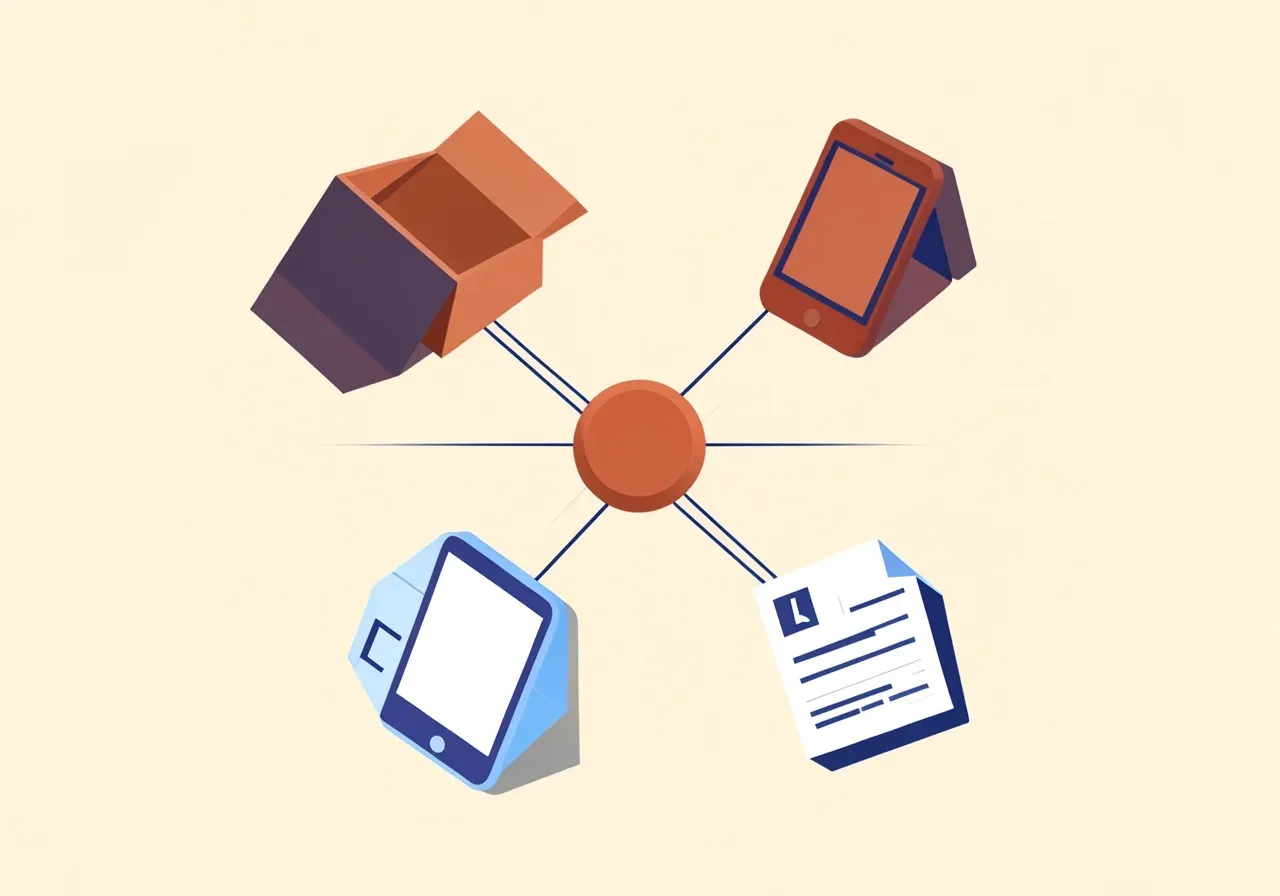
- which systems the CRM must connect to (accounting, the online shop, e-mail, telephony, website forms);
- whether those systems have a documented API or only file exchange;
- whether data flows one way or both ways, and which system is the source of truth.
For one concrete pattern, see from web form to CRM with no manual copying. On why teams ignore a new system, see CRM integration people actually use.
4. Data migration from the old system
If your data is in spreadsheets or another CRM, moving it is not a formality. You decide which records move, how duplicates are merged and what happens to history. The cleaner the sources, the less work. It often helps to decide what not to migrate: archiving old deals separately is usually cheaper than cleaning them.
5. Reports and an AI layer
Standard lists and filters are simple. Reports by your own criteria, a manager dashboard, or an AI assistant that prepares a summary or suggests the next action are separate work. Ask for them as separate lines in the estimate, so you can postpone them. What we do in AI automation is described separately.
6. Support and ownership
A system is “finished” on launch day only on paper. Afterwards come fixes, new fields, server updates, backups and the question of where EU data sits. Two questions before you sign:
- who owns the code and the data (our position is clear: the code and data are yours);
- who maintains the system after launch, and on what terms.
How to compare quotes
Ask each supplier for an estimate by phase, not a single sum. Check that it shows separately: analysis, each integration, data migration, role logic, testing, training and support. If one quote is much cheaper, it has usually left one of these out. Payment models differ (fixed price per phase, hourly rate, a support subscription); pick one where you know what you pay for and what you get.
Quotes also differ because each assumes different things are clear. One developer prices only screens, another also process analysis and data migration. To make quotes comparable, give each supplier the same assumptions: how many users, how many integrations, how many records to migrate and what is your responsibility after launch. Then the difference between the totals shows up in the lines instead of being hidden in a sum.
| Estimate line | What to ask |
|---|---|
| Analysis and requirements | Is the result a document you could hand to another developer? |
| Core modules | Which fields, statuses and lists are included and which are not? |
| Each integration | Is each system priced separately, and what is assumed about its API? |
| Data migration | How many records in the source, who cleans them, how many times can it be repeated? |
| Roles and testing | How many roles are included, and who tests before launch? |
| Training and launch | Is the team trained, and is there a period of extra attention after launch? |
| Support | What does the monthly fee include, and what is the response time for a fault? |
How to decide
If the process is clear and the team has more than five people, ask for an estimate for a custom CRM; if the process is still forming, start with an off-the-shelf tool. With three or more integrations, they will mostly set the price. A good first phase is one process and one integration.
We build custom CRM and accounting integrations, and the first conversation is about your process, not an offer. To see what an estimate for your situation might look like, discuss your project.