An enquiry arrives from the website form, by e-mail. The manager opens it, reads it, opens the CRM, creates a contact, types the name, phone and comment, sets themselves a task, and closes the e-mail. The next morning, the same again. Each enquiry is five to ten minutes of manual work, repeated for every lead.
What a manual process costs
The first loss is not time but response speed. An enquiry arrives on Saturday, the manager sees it on Monday, and the customer has already talked to a competitor.
The second is errors: a wrong phone number, a missed name, a lost attachment. Manual entry always produces mistakes.
The third is incomplete data. Enquiries stay in e-mail, the CRM is partial, and management decides on wrong numbers.
What “form-to-CRM integration” means
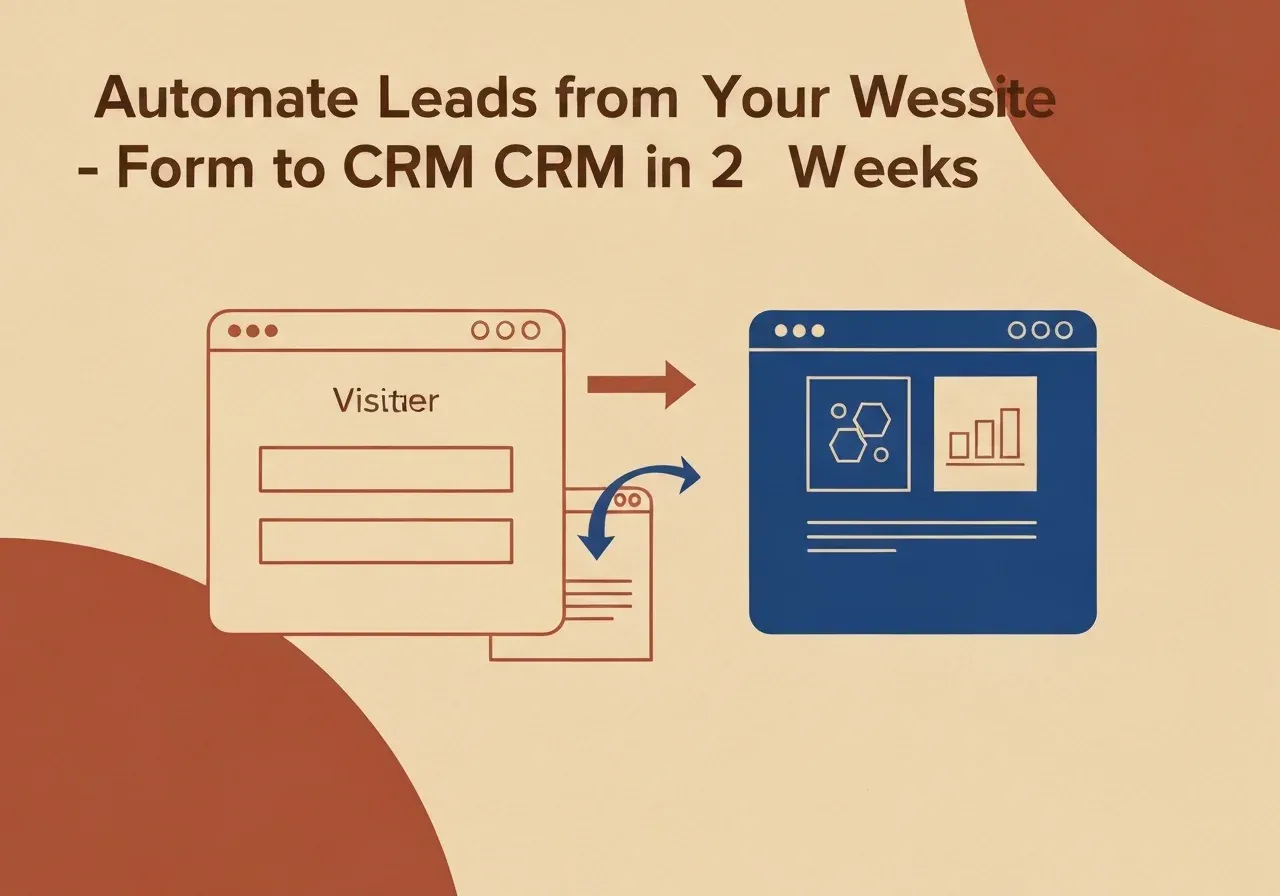
When a customer fills in the form on your website, the data goes into the CRM automatically, with nobody involved. It does not need a new product or a large system. The integration works between tools you already have: your website form and your CRM (HubSpot, Pipedrive, Salesforce, Bitrix24 or another with an API).
Technically it runs through a webhook. When the form is submitted, it sends the data to a set address, and an automation tool (for example Make or n8n) processes it and writes it to the CRM.
The full flow
- The customer submits the form.
- A webhook sends the data.
- The automation processes it.
- The CRM creates a new contact or updates an existing one.
- The manager gets a notification (Slack, e-mail or SMS).
- The CRM creates a task for the person responsible.
The manager copies nothing. They get a notification and call the customer. That is all the system asks of them.
A second level: AI qualification
Once the basic integration works, some companies go further. Before an enquiry reaches the CRM, the system evaluates it. Did the customer state company size? Does the request match your minimum project? Is this a first contact or a repeat?
Based on the answers, the system can set a priority, send a different e-mail or route the lead to another salesperson. This is not a robot making decisions; it is a filter that saves your team time before the first call. It makes sense if you receive 50 or more enquiries a week, or if segmentation is critical for you. Because enquiries contain personal data, check where the automation tool processes it and keep it within the EU where GDPR applies.
What it gives you
- Less manual work: nobody retypes enquiries.
- Faster response, because the notification arrives when the enquiry does.
- Fewer data errors, since manual entry disappears.
- A complete CRM: every enquiry reaches the system, not only those the manager had time to type.
Faster response means more closed deals. We do not quote percentages here because the effect depends on your sales process.
How we build it
Stack. Make or n8n, depending on the client’s infrastructure. We connect any CRM that offers an API: HubSpot, Pipedrive, Salesforce, Bitrix24, amoCRM.
Timeline. Typically two to four weeks from the first meeting to a working integration: analysis and design in week one, development and testing in week two, rollout and team training in weeks three and four.
What we need from you. Access to the CRM account, the existing form code or deployment rights, and one meeting where you explain how your sales process works today.
We do not write 50-page specifications. We ask where enquiries get lost today and what happens after you receive them. If you are comparing CRM options first, read when HubSpot costs more than it is worth.
If a manager spends mornings copying data, that is solvable in a defined time with a defined budget. See our CRM and integration services, or discuss automation with us.