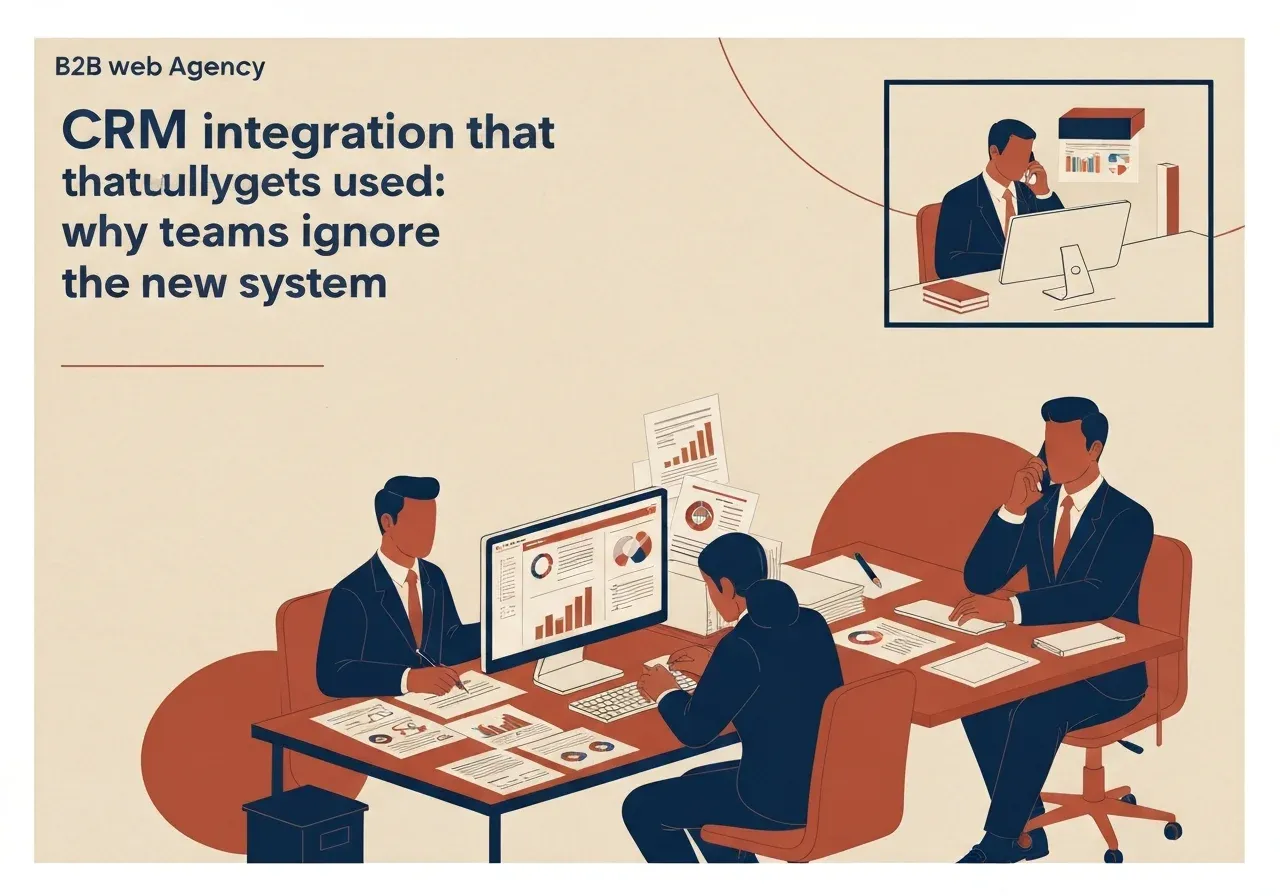
A CRM rollout usually ends with a launch, not a result. The system is installed and training is done, but salespeople keep tracking clients in Excel and the manager asks for status by phone. The CRM becomes an expensive archive.
This article explains why, and how to build the integration so the team uses it.
Why teams ignore a new CRM
The causes are almost always organisational, not technical:
- Extra work with no benefit. The salesperson enters data and gets nothing back; the benefit goes to the manager.
- The system does not fit the process. Fields, statuses and stages are not how the team works.
- Double entry. Orders, invoices or enquiries already live in another system and the CRM asks for retyping.
- No owner. Nobody decides who enters data, who checks it and who answers for its quality.
- No visible result. Reports are not trusted, so nobody reads them, and entering data loses its point.
Until these are solved, a new design or another training session changes nothing.
Start with the process, not the system
Before choosing a tool, draw how work happens today, from first contact to invoice. One page is enough, and it must answer three questions:
- where does a client or enquiry arise (form, email, call, meeting);
- what happens to it and who does it;
- when does an invoice or order appear.
Only then decide which CRM statuses you need. If the process is incomplete, the CRM will not fix it, only make it visible. That is useful, but know it in advance.
Cut the typing: integration is the reason to use the CRM
Teams accept a system that makes work easier. So integrations are the basis of use, not an optional extra:
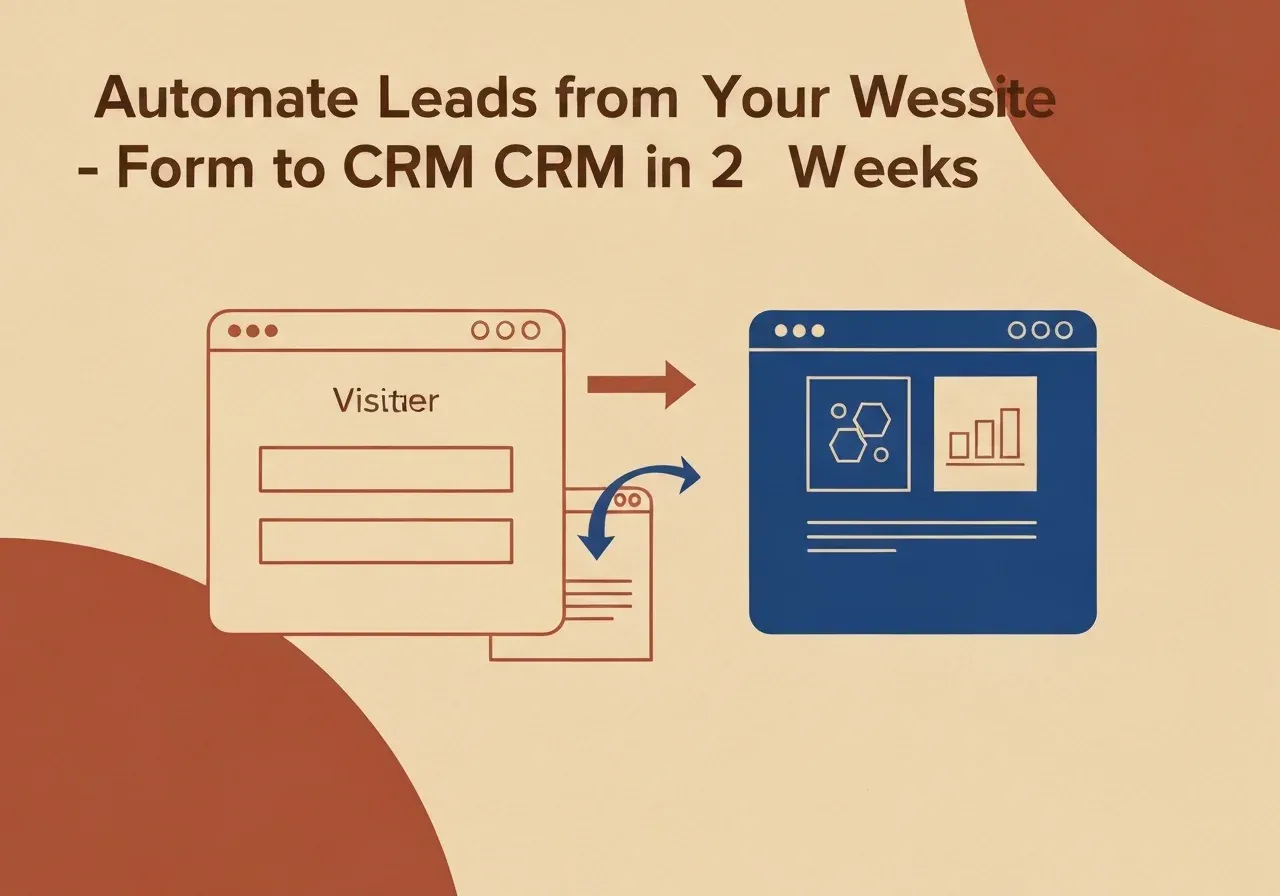
- enquiries from the website form arrive in the CRM automatically with source and topic; see our article on automating web form enquiries;
- invoices and payments appear on the client record from accounting;
- emails and calls attach to the client without copying;
- shop orders are visible to the salesperson next to the client.
Every integration that removes one entry raises the chance that the team opens the CRM daily.
Start with one job, not everything
The most common mistake is rolling out everything at once: sales, support, reports and invoices. A team cannot absorb several changes together.
Choose one daily job where the CRM gives a clear gain, for example logging enquiries and reminders to reply. When it works and is used, add the next. You see results sooner and fix mistakes before they get expensive.
Handover is part of the project
After launch, settle three things and write them into the project:
- Who owns the data. One person or role who checks quality.
- What happens to old data. Whether it is migrated and in what form.
- When the Excel sheet is switched off. If the old and new systems run side by side, the old one almost always wins.
The manager should also use the CRM personally: if statuses come only from the system, the team learns to enter data.
How to know the CRM works
Measure use, not the existence of the system. Possible indicators:
- how many enquiries are logged in the CRM against the total;
- time from enquiry to first reply;
- how many records have complete data;
- whether the manager uses the CRM report in meetings.
Targets are set by each company. We do not invent generic percentages; they do not transfer between companies.
Ready-made CRM or custom
A ready-made CRM fits when the process is standard and built-in features are enough. A custom or extended CRM is justified when the process is specific, several systems must be integrated, or licence costs grow faster than the benefit. For the numbers see HubSpot versus a custom CRM.
Decision rule
- If the team does not use the current CRM, find out why before changing systems: more often the problem is process or entry.
- If data is entered twice, start with an integration, not a new module.
- If nobody owns the data, the CRM will fail whatever the tool.
If you are preparing a CRM rollout or integration, our CRM and integration development starts with your process. Discuss a CRM project.
Sources
This article draws on the studio’s experience and uses no external figures; each company sets its own indicators.