What if an AI agent has to work on an audio project, not on code? Usually it reaches the files but not the workstation. Rovox takes another route: an open-source DAW (digital audio workstation) that an agent can drive as fully as a person. It is a personal project of our studio’s founder, not an FSM product. Here is what it offers and who it suits.
What Rovox is
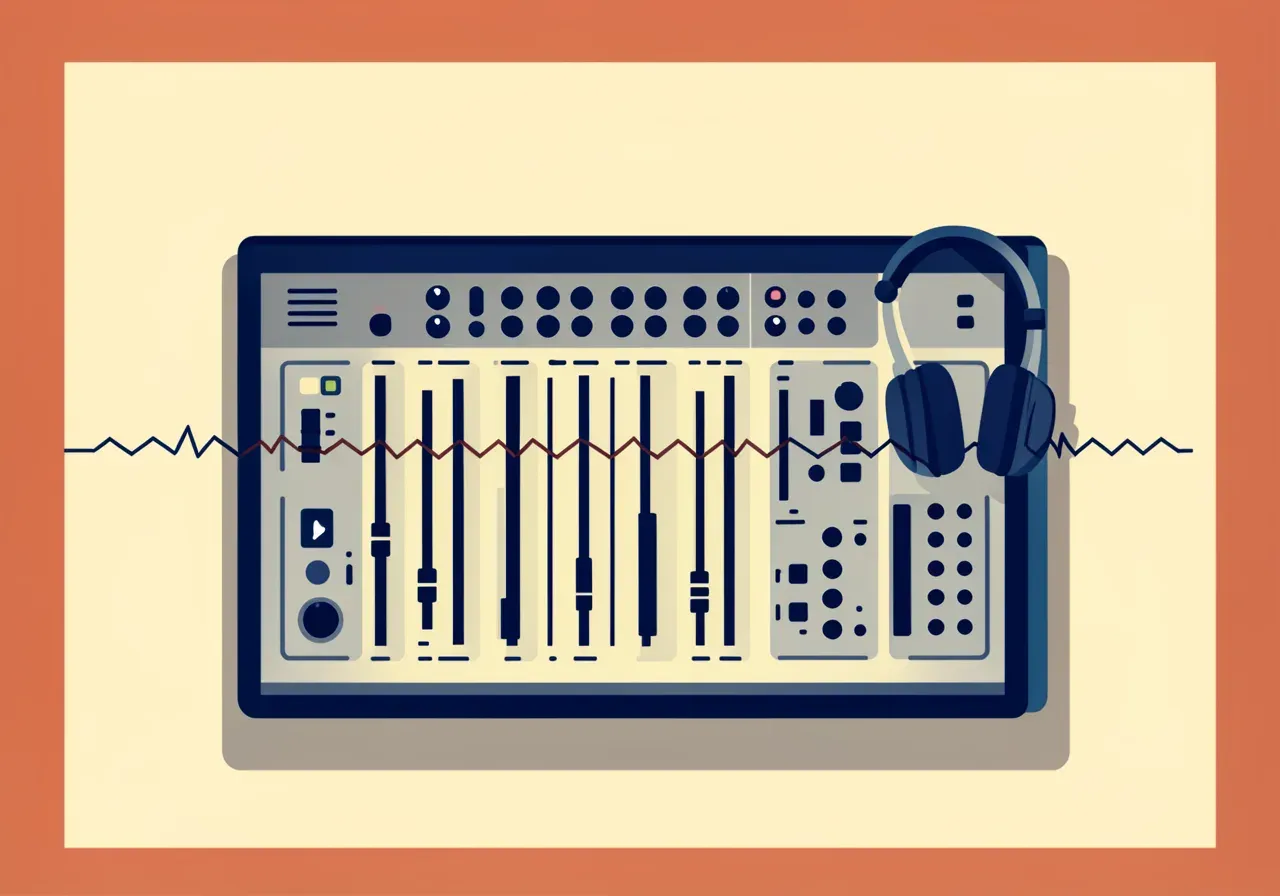
The README calls it an open-source DAW for people and AI agents working together. Its interface and workflow follow REAPER closely, and it adds two things REAPER does not have:
- MCP built in. An agent can drive tracks, items, FX, routing, transport and rendering. Every agent change shows up in the UI and can be undone in one step.
- Several projects live at once. Project tabs share one audio device, and any of them can keep playing in the background while you or an agent work in another.
It targets real audio interfaces (CoreAudio, ASIO), low-latency recording and VST3/AU plugins hosted out of process. The name nods to Roland.
How an agent works through MCP
MCP (Model Context Protocol) is an open protocol that lets an AI tool call functions of an outside system. The Rovox server speaks stdio and Streamable HTTP, and the README counts about 47 tools: project.*, track.*, item.*, fx.*, render.*, analyze.audio, undo/redo and more.
A few rules make this safer than “the agent does what it wants”:
- one call is one undo step;
if_revisionblocks writes against a stale project state;- responses carry
external_changes, the edits others made since your last call; - long work (rendering, analysis) runs as jobs you can wait on or poll.
In the UI, agent changes are tinted with the agent’s name. An undo button takes back its last steps, and an accept button clears the tint. Note that the UI labels in the README are in Ukrainian.
Connecting Claude Code is one command: claude mcp add rovox -- rovox mcp --data-dir ~/rovox-data.
Rendering that never silently gives a wrong file
This is one of the README’s clearest ideas. Before rendering, --check verifies that each clip’s media is readable, that every plugin loaded (the engine otherwise bypasses a failed plugin without a word) and that MIDI tracks produce sound. After rendering it looks for a silent result, clipping, true-peak limits and a loudness target. If a check fails, no file is published.
rovox render "My song" --out mix.mp3 --check --target-lufs -14 --normalize --jsonExit code 0 means ok, 2 means failed checks, 1 means an error. Finished renders can be delivered as a file, to Telegram, S3 or a webhook.
Imports and plugins
Rovox imports Zoom R20 .zprj folders, WAV files and REAPER .RPP projects. REAPER JS effects run through ysfx, and LV2 and VST3 plugins are tested and rendered in child processes, so a crashing plugin does not take the server down. Plugins are used as licensed: nothing bypasses an activation.
The .rvx project format is a directory with edit.xml (a Tracktion Edit), a rovox.json manifest and content-addressed media/.
Running it
Everything builds and tests in Docker (Linux amd64 and arm64). The web DAW starts with one command and prints an access token:
docker run --rm -p 4810:4810 -v rovox-data:/data -v ~/songs:/in:ro rovox serve --bind 0.0.0.0 --audio browser --allow-path /inThe web UI (TypeScript, Vite, Canvas for the arrange view, no UI framework) plays audio in the browser and shows live what an MCP agent changes. Binding beyond loopback requires --token.
Limits
- Status. The README says Milestone M5: an early stage, not a finished commercial product.
- License. AGPL-3.0: open source with a network clause, so
GET /sourcetells where the running source code is. Rovox is not affiliated with Cockos (REAPER) or Roland. - Build. The Tracktion Engine and JUCE submodules need the
tools/init-submodules.shscript. - UI language. Part of the UI text is Ukrainian; the README and API are in English.
Who it suits and how to decide
If you work with music or podcasts and want to see an agent handle a real project with undoable changes, Rovox is a useful example. It also shows a broader rule: give an agent a working tool with undo, version guards and checks before the result, not just file access. For tool choice, read what AI coding tools are. We covered another agent tool, agent-radio, separately. Rovox has a page in the open-source section, and the code is on GitHub.
If you are weighing how to bring agents into your processes with controlled permissions, see AI automation for business or discuss your project.
Sources
- Rovox README and repository, November 2026