If you’ve commissioned a web project in the past year, your developer has almost certainly used an AI coding tool. Maybe they mentioned it, maybe they didn’t. Either way, you probably noticed something: things moved faster, or at least they said things would move faster.
So what’s actually going on? Not the hype version. The real version — what these tools are, what they do, and whether any of it changes what you should expect from your next project.
The Three Types of AI Coding Tools
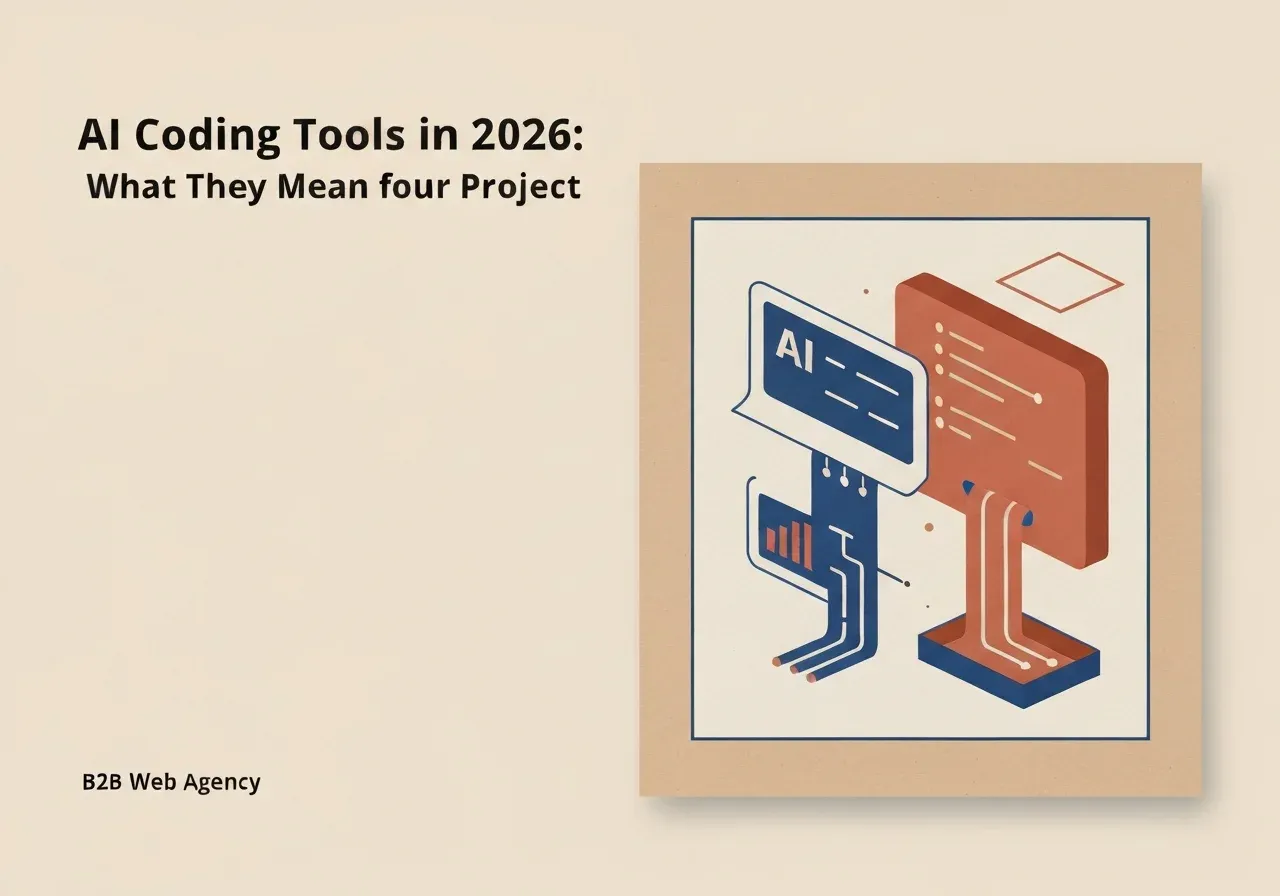
The tooling landscape is moving fast, and names will change. But in 2026, most AI coding tools fall into one of three categories.
CLI-first agents run in the terminal. You give them a task in plain language — “add user authentication to this app” — and they work through it autonomously, reading files, writing code, running tests, and reporting back. Claude Code and Codex CLI are the most used examples right now. These tools handle large tasks without the developer needing to supervise every line.
IDE-native agents live inside the code editor. They watch what the developer is writing and offer completions, catch mistakes, and pull in context from across the codebase. Cursor and Windsurf work this way. Think of them as a very capable autocomplete that understands the whole project, not just the current file.
Cloud engineering agents operate remotely. You assign a task — “fix this bug,” “add this feature” — and the agent works in the cloud, often submitting a pull request when done. Devin and GitHub Agents are in this space. They’re the furthest from how most people imagine coding, and still the least mature of the three.
What This Means for Your Project Timeline
The honest answer: some things genuinely move faster. The boring, repetitive parts of building software — setting up database tables, writing boilerplate API endpoints, generating form validation, creating test scaffolding — used to take hours. Now they take minutes.
That’s real. And it does compress timelines on projects with a lot of that kind of work.
What doesn’t compress: figuring out what to build. Understanding your business logic. Making architectural decisions that won’t cause problems in two years. Debugging something subtle. Reviewing AI-generated code to make sure it’s actually right. Those things still take a developer, and they still take time.
A realistic expectation for a well-scoped web project: faster delivery on the predictable parts, similar timelines on the parts that require judgment — which is most of what you’re actually paying for.
What This Does Not Mean
It does not mean your developer was replaced, is redundant, or is doing less work than before.
The shift is where attention goes. Before these tools, a significant chunk of development time went to writing code that everyone already knew how to write but had to write anyway. Now that part is largely delegated to the machine. The developer’s job has moved upstream: architecture, business logic, reviewing what the AI produces, catching what it gets wrong.
That last part matters more than it sounds. AI tools generate plausible-looking code confidently. A developer who knows what they’re doing catches the subtle mistakes. A developer who just accepts everything creates a codebase that compiles but misbehaves. The human is still the quality gate.
If anyone tells you AI tools mean web projects should cost significantly less because “the AI does most of the work” — that’s a misunderstanding of where developer time actually goes, and where the real risk in software sits.
How FSM Studio Uses These Tools
We use Claude Code, a CLI-first agent, in production development. It handles the work that’s well-defined: generating CRUD operations, writing migrations, scaffolding tests, doing repetitive refactors.
Our developers review everything it produces. They make the architectural calls. They’re the ones who understand your business and translate that into decisions the tool can’t make on its own.
The result is that we can deliver more, faster, without cutting corners on the parts that actually require thinking. That’s the realistic version of “AI-assisted development” — not magic, not replacement, just a better division of labor.
FAQ
Does using AI tools mean my project will be cheaper? Not necessarily. Some phases move faster, which can mean better use of your budget. But the expensive parts of software — design decisions, business logic, quality assurance — still require skilled developers. AI tools change the work mix, not the need for expertise.
How do I know if my developer is using AI tools responsibly? Ask. A good developer will have a clear answer about what they use, how they review AI output, and what testing they do. Code review and test coverage are still what protect you.
Will these tools change again soon? Yes. The specific tool names and categories in this article reflect the landscape in 2026, and things are moving fast. What’s less likely to change is the underlying logic: tools handle routine work, humans handle judgment. That split has held across every wave of tooling so far.
Contact FSM Studio if you’re planning a web project and want a straight conversation about timelines and what’s realistic.