Last year a long-standing client of ours called with one concrete problem: their accountants spent about an hour every morning retyping WooCommerce orders into Jumis. Nothing unusual; many Latvian online businesses work this way. But at 80–100 orders a day, manual entry becomes a serious source of errors and lost time.
Here is how we build such an integration: what can be automated, where the hard parts are and what to know before you start.
Why Jumis and WooCommerce do not talk “out of the box”
Jumis is a widely used accounting tool in Latvia, built in a different era for mainly manual documents. WooCommerce is a dynamic e-commerce system with its own data model, order statuses and customer logic. There is no standard sync module to install. Jumis exchanges data through its own XML and CSV formats, and WooCommerce exports in its own structure, so you need a layer in the middle that understands both. We have built such layers several times, as part of larger e-commerce systems and as standalone modules. The architecture differs a little each time, but the principles are the same.
What the data flow looks like
Decide first what to sync and in which direction. We most often see three flows:
- WooCommerce to Jumis: orders, customers, payments. This is the main direction. WooCommerce is the source of transactions, Jumis is the accounting system.
- Jumis to WooCommerce: products, stock levels, prices. If your catalogue is maintained in Jumis, changes there must appear in the shop. It is harder, because Jumis structures do not always fit WooCommerce logic without translation.
- Two-way sync: the hardest case, where both sides change data. You must settle conflicts and decide which system is the source of truth for each field.
In most projects we start with one direction and extend only if the business needs it.
Invoices generated automatically from an order
A frequent request is an automatic invoice in Jumis after each WooCommerce sale. It is technically possible and we have done it in several projects.
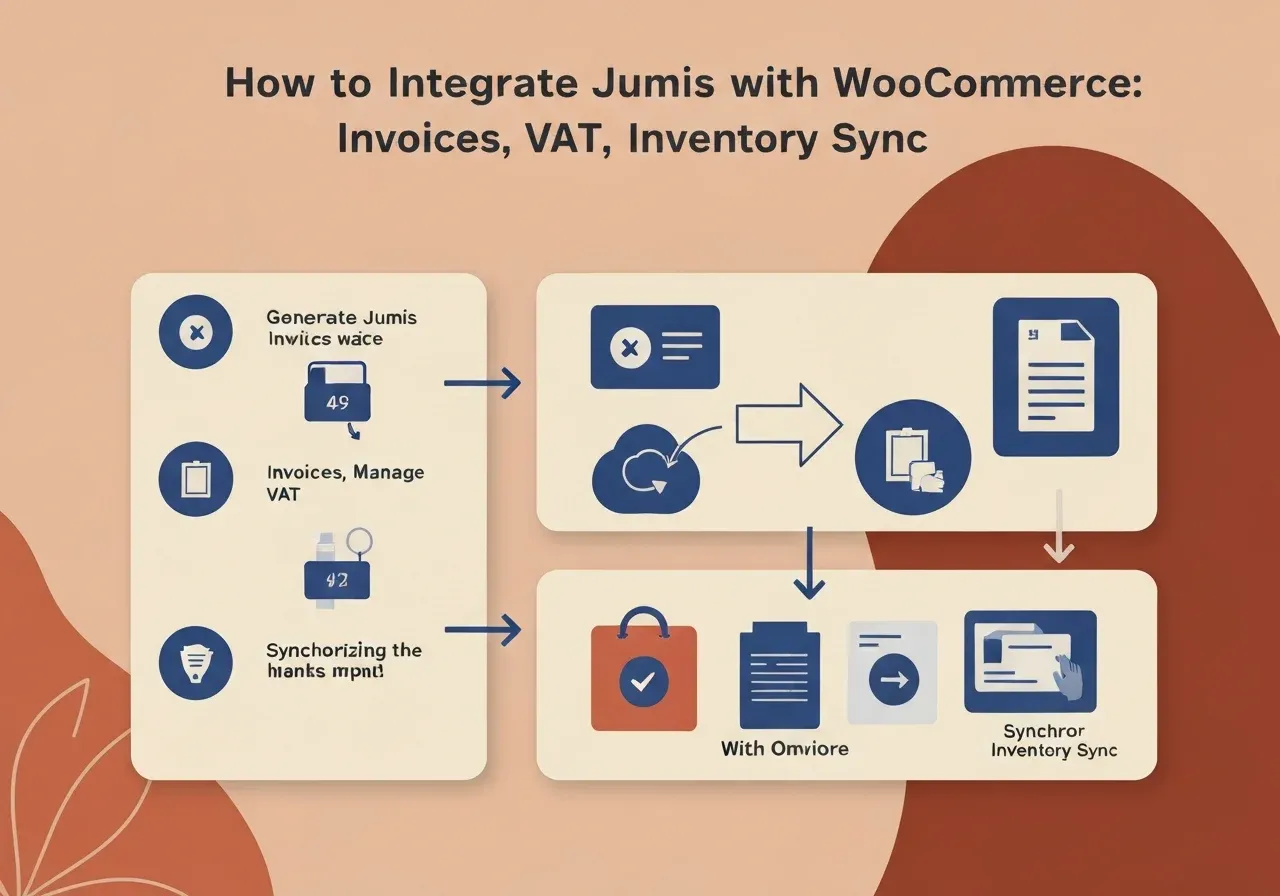
For example, a WooCommerce order reaches the processing status (payment received). A webhook or background process passes the order to our integration layer, which converts it to a format Jumis understands (usually XML or structured CSV) and places the file in the Jumis import folder, or calls an API if your Jumis version supports one.
Watch these points:
- Customer data. Jumis works with customer cards. If the customer exists, link to it instead of creating a duplicate, using a unique identifier such as an e-mail or registration number.
- Payment method. Cash, card and invoice with deferred payment are handled differently in Jumis.
- Cancellations and changes. If a customer cancels or changes a quantity, a credit note is needed on the Jumis side. This logic is often forgotten at design stage and is critical.
We usually make the process asynchronous: the order goes into a queue first and is processed from there. Small delays are fine, and nothing is lost even if Jumis is briefly unavailable.
VAT and local tax logic
This is where many projects stop longer than planned. VAT calculated in WooCommerce and VAT in Jumis documents do not always match automatically, especially if you have:
- B2B and B2C customers with different VAT treatment
- customers in other EU countries (the OSS scheme)
- VAT exemptions for some product groups
- import transactions or special tax codes
WooCommerce’s tax settings are flexible, but they must be configured exactly as your accountant expects them in Jumis. We usually run the first integration session together with the accountant, because details always emerge that nobody wrote into the specification.
A real example: one client used different VAT rates for different products (Latvia’s standard 21% and a reduced 12% for some). WooCommerce handled it correctly, but the CSV export merged the totals so that Jumis imported everything at one rate. An accountant spots it on day one, but unnoticed it can cause serious trouble.
Stock sync: what to know first
Stock synchronisation is conceptually simpler but often harder organisationally. Problems arise in processes, not code.
- How often to sync? Real time, hourly or overnight? With low stock (say three to five units) frequent sync is essential, or a customer can buy something that is gone. With large, slow-moving stock an overnight update is often enough and much easier to maintain.
- In which direction does stock change? If goods are corrected manually in Jumis (for example after stocktaking), that must reach WooCommerce. If you also sell elsewhere, in a shop or by phone, WooCommerce stock without sync quickly becomes inaccurate.
- What happens to reservation? WooCommerce can reserve stock when an item is added to the basket or when payment starts. If Jumis does not know, one unit can be sold twice.
We play these scenarios through with the client as “what happens if…” before building. That is often where it turns out the internal process needs clarifying, not just automating.
Technical architecture
The solution depends on the Jumis version (the older, the fewer integration options), the server environment, the sync frequency and whether the company has in-house IT to maintain it.
Usually we build a small separate component, a PHP or Node.js service that acts as an intermediary. It listens to WooCommerce webhooks, processes the data and writes it in the Jumis import format. On the Jumis side files are normally read from a set folder, the simplest and most reliable method for older versions. Newer Jumis versions offer a REST API, which is cleaner but needs extra authentication and more careful error handling.
We always build:
- An error log with the ability to reprocess failed transactions
- Alerts (e-mail or Slack) when the integration stops working
- A manual run for a single order or a date range, which is invaluable when data must be re-imported after accounting corrections
The same design thinking applies to other ERP systems; see what breaks in 1C integrations.
How we can help
FSM Studio has worked on e-commerce projects since 2006. Every project differs; there is no universal product to install. If your situation is similar, with orders entered by hand, stock out of sync or invoices arriving late, write to us and we will discuss the sensible next step. You do not need to start with a full integration: sometimes one specific automation solves most of the problem. For the platform side, see WooCommerce, Shopify or custom development.